


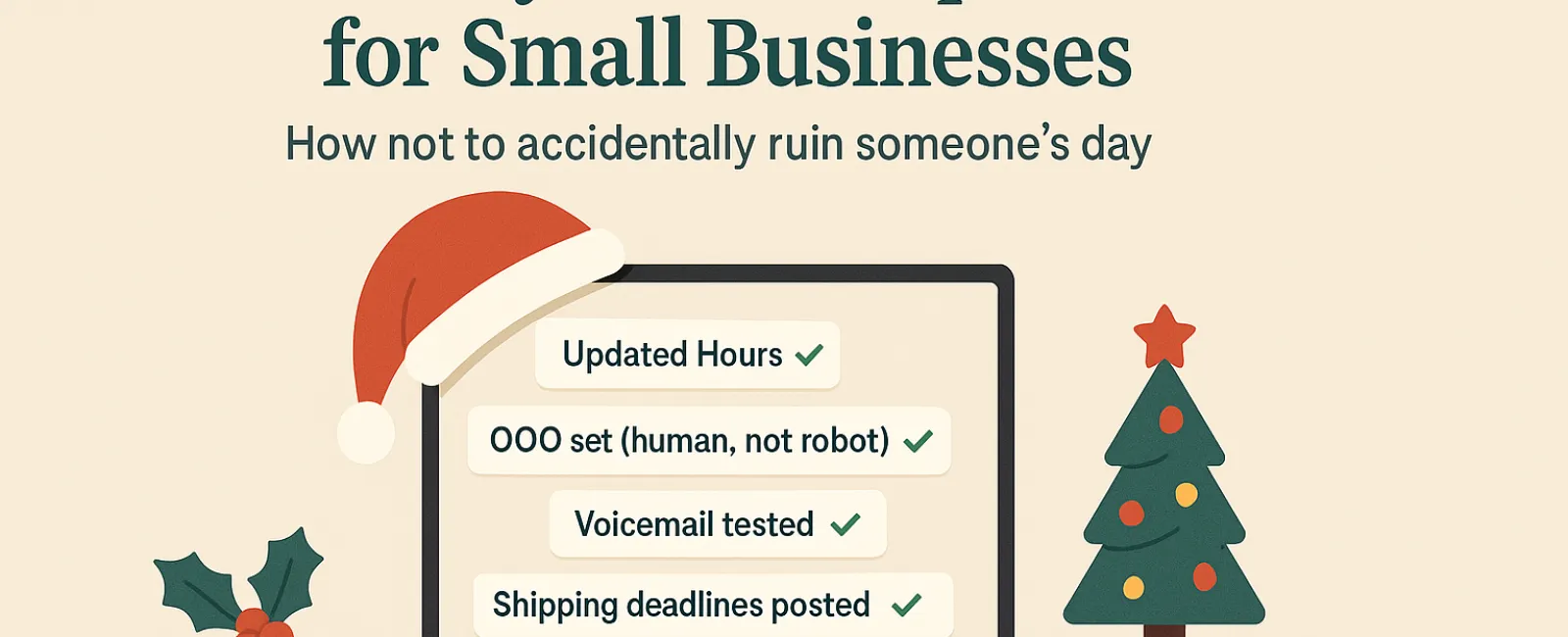
Holidays already bring enough madness without tech issues adding to the chaos. With customers rushing through last-minute tasks and staff managing hectic family calendars, high expectations rule the season. Avoid causing frustration with simple, preventable technology hiccups.
Consider this your essential Holiday Tech Etiquette Playbook—because no business wants to be remembered as that one that dampened someone's holiday mood.
1. Update Your Online Business Hours Before the First Complaint Hits
Imagine a customer racing over during their lunch break because Google lists you as open, only to face a locked door and dark windows. Instantly, you've turned into the villain in their story.
Where to revise hours:
- Google Business Profile—the primary source for most customers
- Your social media accounts like Facebook, Instagram, Yelp
- Your website banner to broadcast holiday hours clearly
- Apple Maps—still trusted by many users
Example update: "Happy Holidays! We'll be closed Thursday, Nov. 28 through Sunday, Dec. 1 to enjoy time with family. We'll return to normal hours Monday morning, slightly turkey-hungover but eager to help!"
2. Craft Warm, Genuine Out-of-Office Messages
When you're offline, don't leave your customers in uncertainty. A thoughtful auto-reply acts like a courteous host—warm, professional, and human.
Suggested auto-reply: "Thanks for reaching out! Our office is closed for Thanksgiving from Nov. 28 to Dec. 1. We'll reply as soon as we're back and recharged. For urgent needs, call (XXX) XXX-XXXX. Wishing you a joyful holiday!"
3. Keep Out-of-Office Messages Professional and Concise
Your customers don't need your holiday itinerary. Avoid oversharing that includes personal trips or detailed staff plans.
Besides privacy concerns, too much info can pose security risks. Simply provide dates, expected reply times, and contact alternatives. Save stories for your social channels.
4. Verify Your Phone System is Holiday-Ready
During busy holiday calls, making things simple is vital. Confirm your voicemail reflects current hours and guides callers efficiently.
Pro tip: Dial your own number to check the message—you'd be surprised how often businesses overlook updating greetings.
Example voicemail: "Thank you for calling [Business Name]. We are currently closed for the holiday weekend. Please leave your message and we'll get back to you Monday morning. For urgent matters, press 1 to reach on-call support. Happy Holidays and thank you for your patience!"
5. Share Shipping Cutoff Dates Clearly to Avoid Last-Minute Panic
If you ship products, prominently display ordering deadlines and send timely reminders. Late shipments cause frustration; missed deadlines ruin relationships—no one wants an anniversary gift arriving in January.
The Bottom Line: Master Tech Etiquette, Delight Customers, and Grow Your Business
Smart holiday technology use boils down to clear communication, genuine care, and respect for customers' precious time. These small adjustments prevent stress and keep your brand shining bright during the busiest season.
Remember, it's not just about avoiding headaches—it's about making customers feel valued even in your absence.
Need expert help to keep your systems smooth and client experience exceptional this holiday season? Give us a call at (210) 582-5814 or click here to schedule your free Discovery Call, and let's talk about simple ways to keep everything running smoothly while you enjoy some well-deserved time off.


